
LucidLines
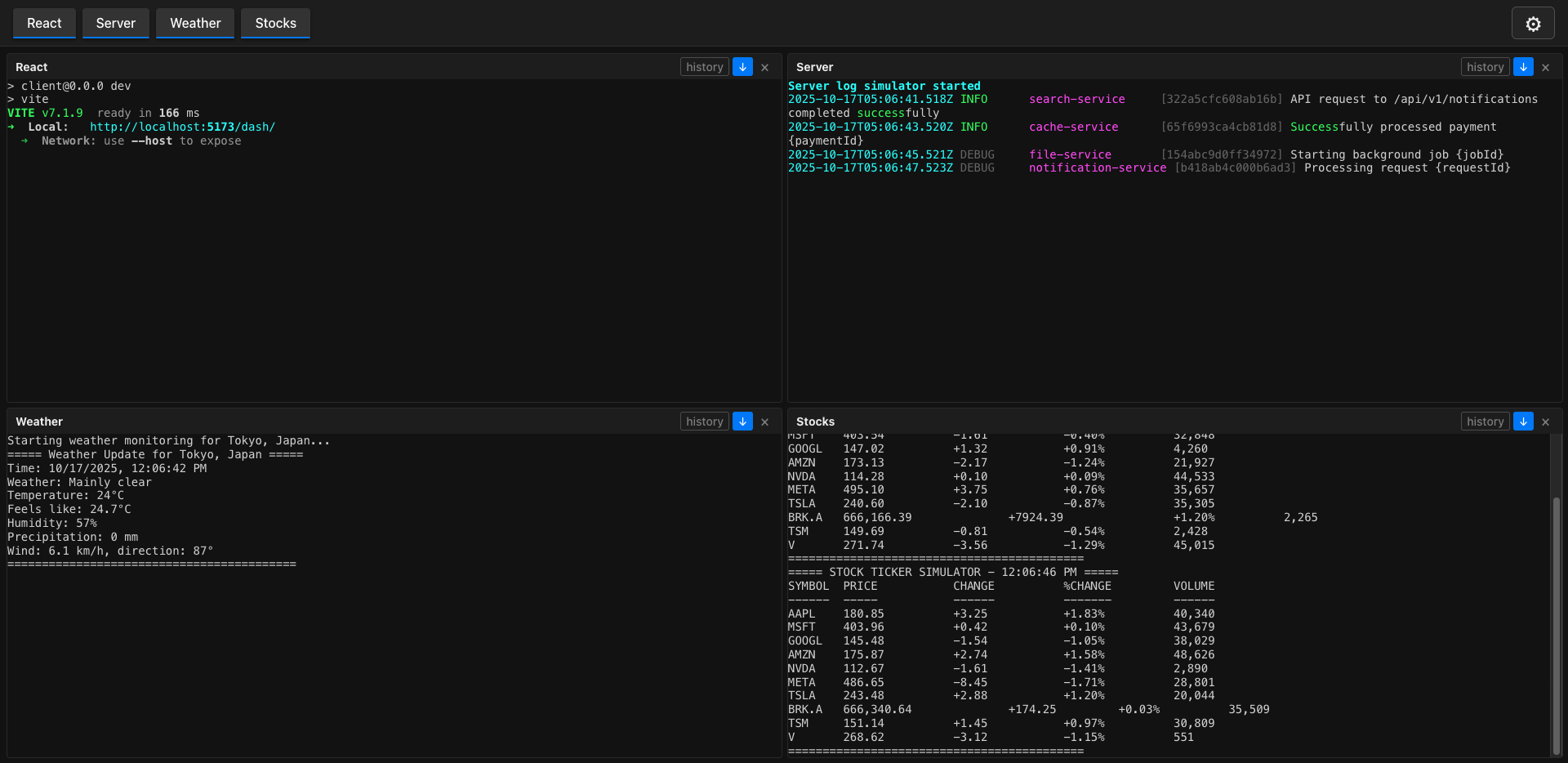
LucidLines is a CLI tool that runs multiple terminal commands concurrently and streams their output to a modern web interface. Perfect for development workflows, monitoring multiple services, or any scenario where you need to watch multiple command outputs simultaneously.
Installation & Setup
# Install LucidLines
npm install -D lucidlines

# Initialize configuration
npx lucidlines init# Install LucidLines
pnpm add -D lucidlines
# Initialize configuration
pnpx lucidlines init# Install LucidLines
bun add -D lucidlines
# Initialize configuration
bunx lucidlines init# Install LucidLines
yarn add -D lucidlines
# Initialize configuration
yarn dlx lucidlines init# Install LucidLines
deno install -D npm:lucidlines
# Initialize configuration
deno run npm:lucidlines initThis will create a .lucidlines.json5 configuration file in your project and add a script to your package.json:
{
  "scripts": {
    "lucidlines": "lucidlines"
  }
}
Configuration
The .lucidlines.json5 file contains your process definitions and settings. After initialization, edit this file to add your commands:
{
  // Port to run the server on
  port: 8080,

  // Commands to run when the server starts
  commands: [
    {
      // Display name for this command (shown in UI)
      name: "ECHO",

      // Shell command to execute
      command: "echo 'Hello, World!'",
    },
    {
      name: "YOU",
      command: "npm run dev",
    },
  ],

  // Enable development mode
  // true: will output logs to console
  dev: false,
}
Starting LucidLines
Once your configuration is set up, start LucidLines using one of these methods:
npx lucidlines
# or
npm run lucidlinespnpx lucidlines
# or
pnpm run lucidlinesbunx lucidlines
# or
bun run lucidlinesyarn dlx lucidlines
# or
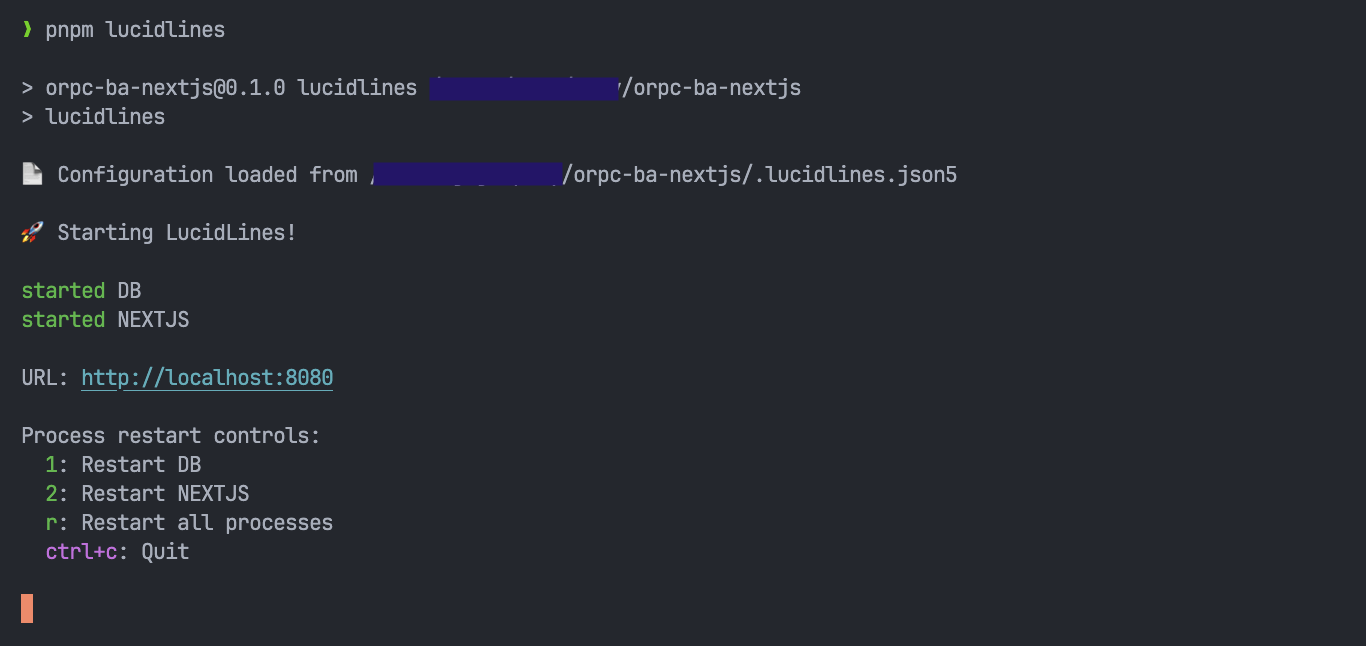
yarn run lucidlinesdeno run npm:lucidlinesThis will start all the processes defined in your .lucidlines.json5 file, example output:
Web Interface
Once started, open your browser to http://localhost:8080 (or your configured port) to access the web dashboard.
Keyboard Controls
When running LucidLines, you can use these keyboard shortcuts:
1,2,3, etc. - Restart individual processesr- Restart all processesctrl+c- Quit the application